Step 1: Log-in into the moveUP app
Option A:
To pair your activity tracker click the “Menu” button in the top left of your screen. Next, choose “Activity tracker” from the Menu list.
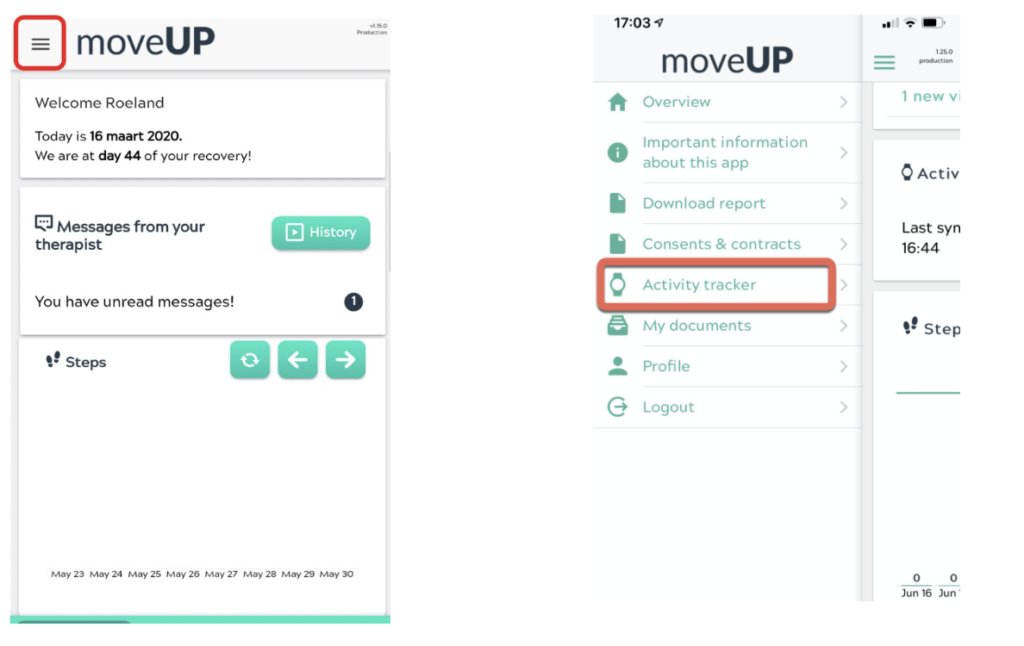
Option B:
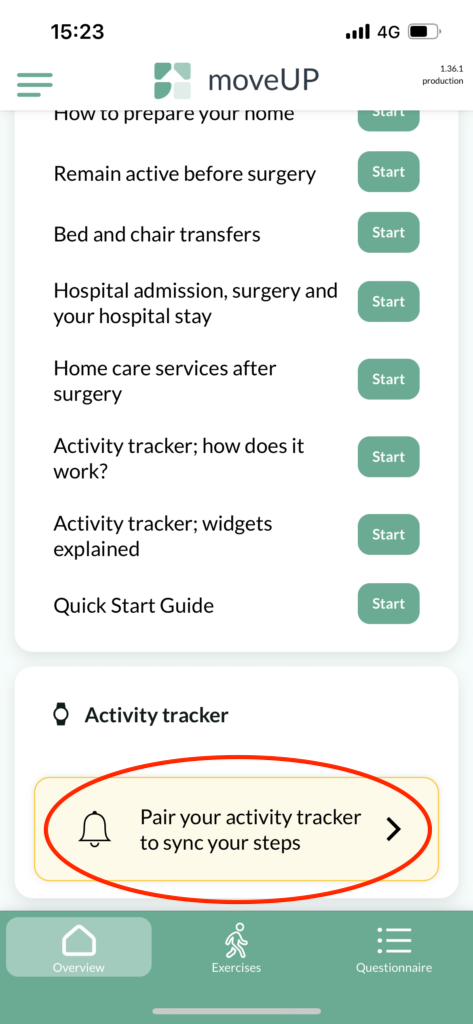
Scroll down on the main moveUP page (Overview) to “Activity tracker” and click on “Pair your activity tracker to sync your steps”.
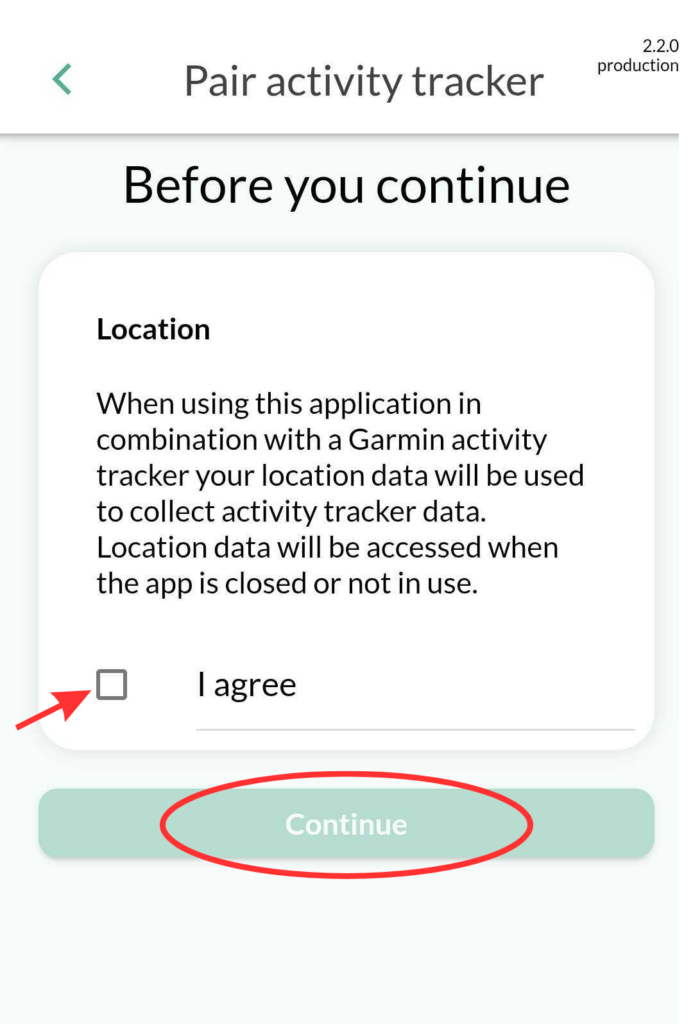
Step 2: Click “I agree” and “Confirm” to allow the app to access your location.
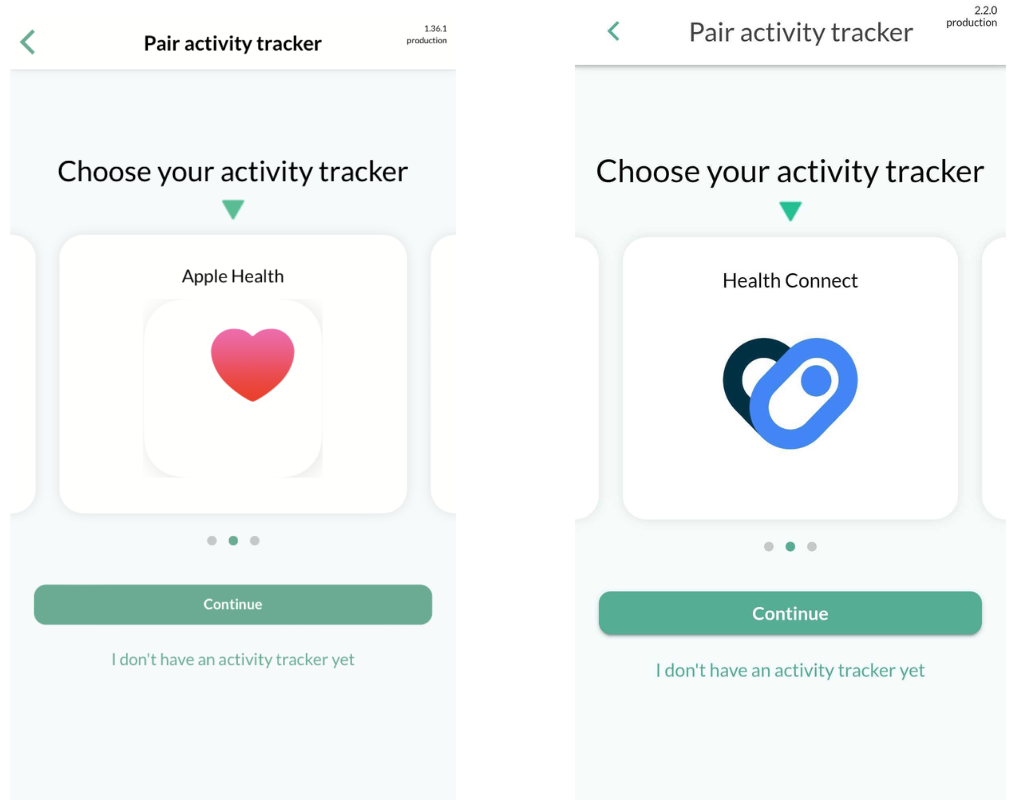
Step 3: Choose your Health app on the list of activity trackers
Scroll left to find your health application:
Apple Health: for iphone
Health Connect: for Android devices
Click “Continue” to select your activity tracker.
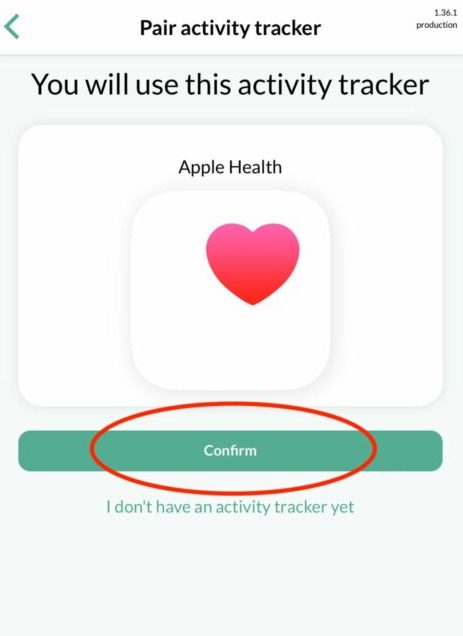
Step 4 : Click “Confirm” to pair the app
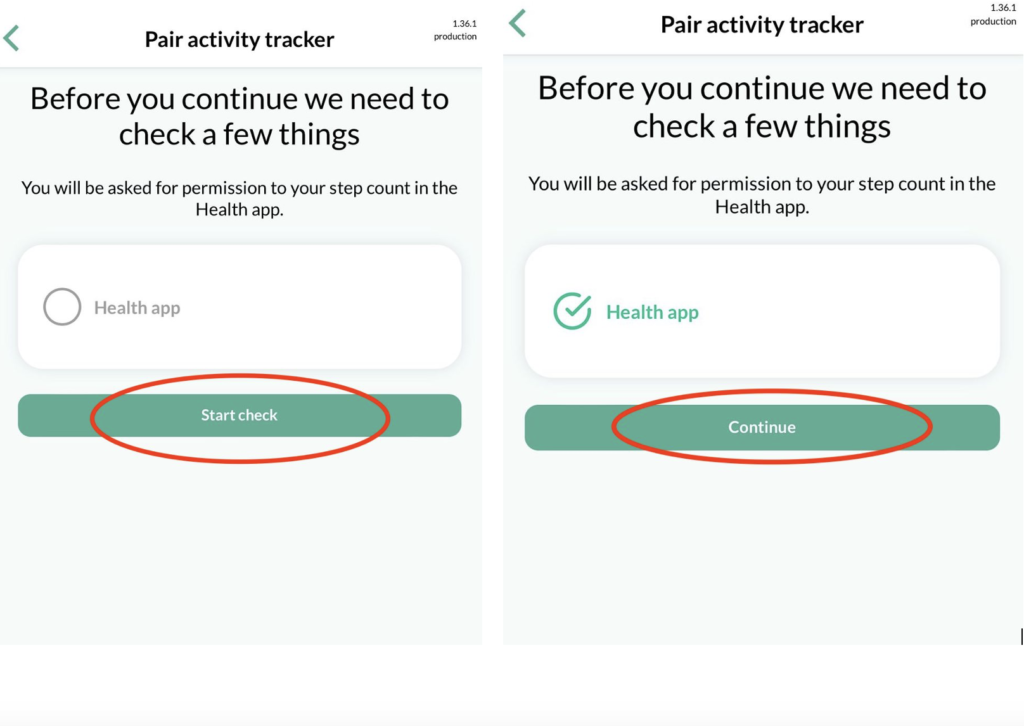
Step 5: Click “Start check” and “Continue”
Congratulation: the app is paired !
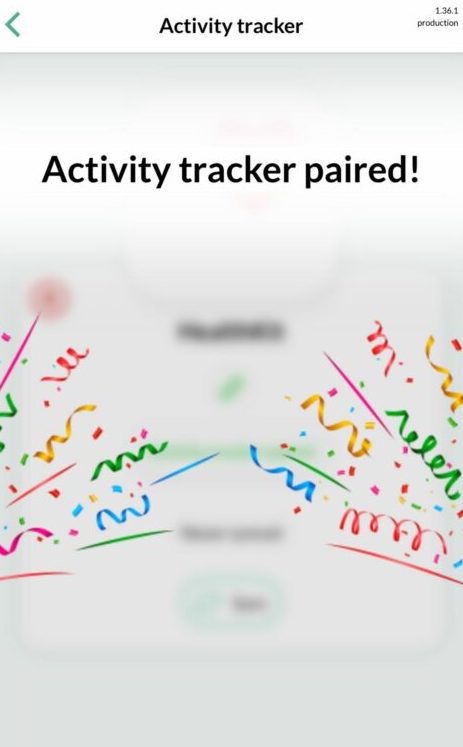
To synchronize your steps, click on “Sync”
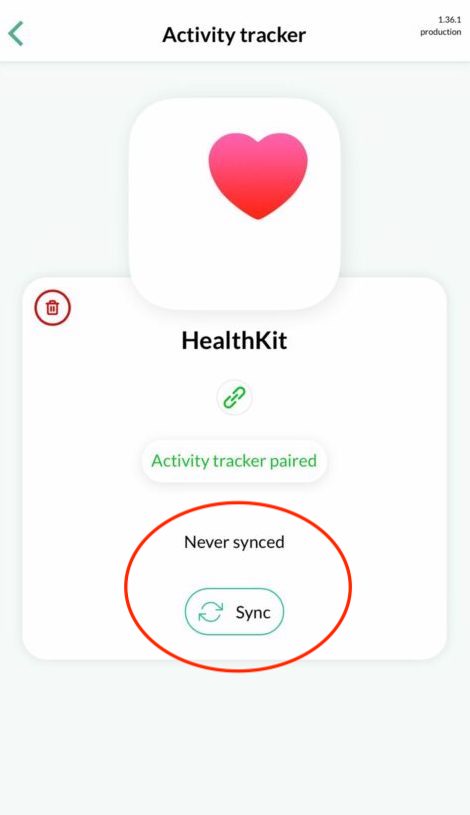
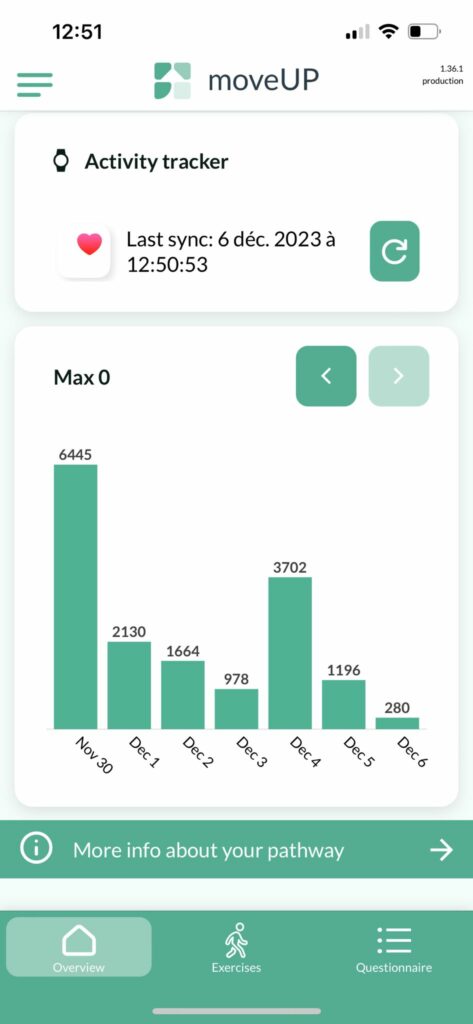
Visualization in the app